
Undo and the trash
Ctrl+Z takes back a remove, a move, a category or tags. Files removed with a torrent go to the desktop's trash, not into the void.
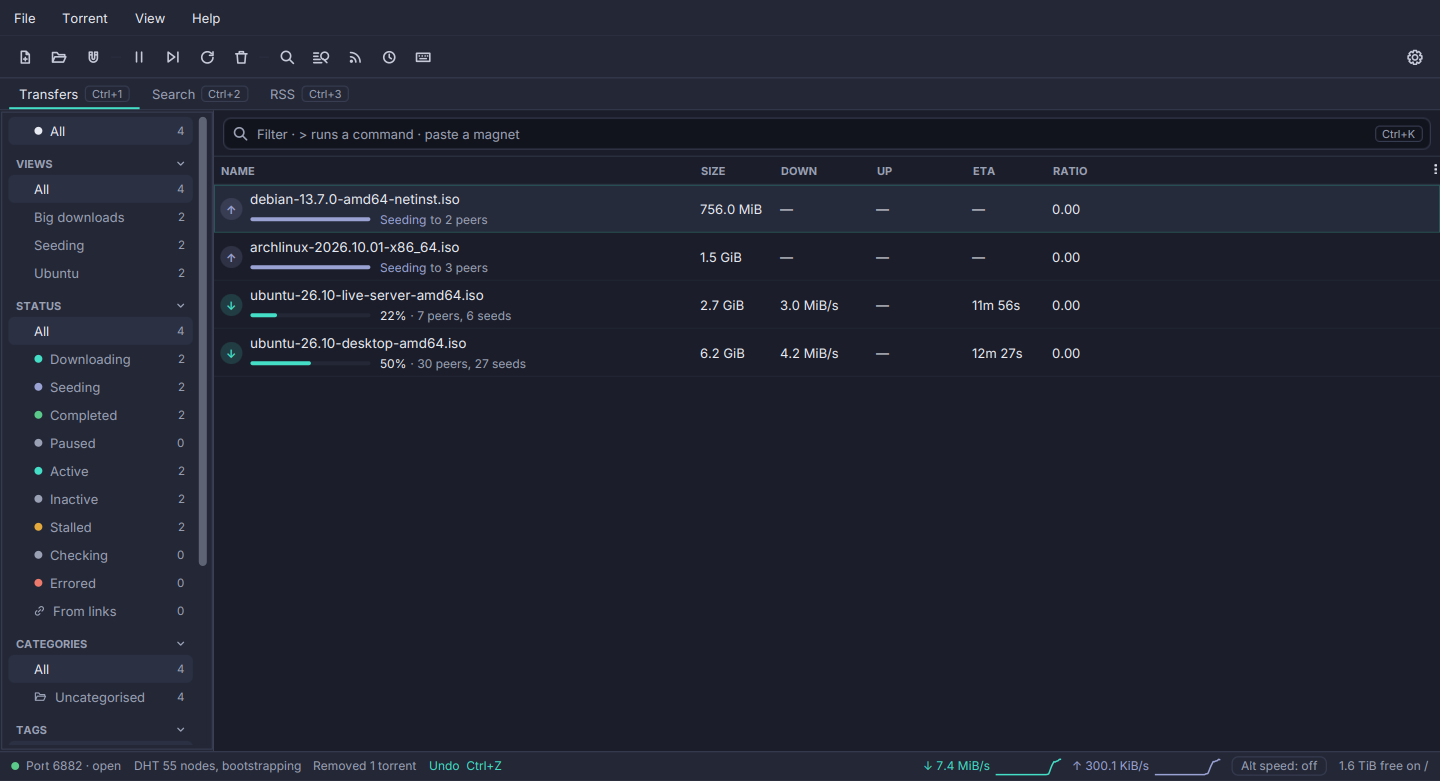
A command over a hundred torrents is where a mistake is largest, so mistakes can be taken back.
- Undo in the status bar for ten seconds after each action, and
Ctrl+Z(Torrent → Undo) for the last ten actions over ten minutes. - What can be undone: Remove (keeping the files), Set Location, a category and tags, from a menu, a key or a command in the omnibox.
- Exactly as it was. A removed torrent comes back with its category, tags, place in the queue and share limit, and without a recheck.
- Remove with files is final in Torrenta, but the files go to the desktop’s trash (the Recycle Bin on Windows) instead of being deleted, so they can be restored from the file manager. A whole torrent folder goes as one item. The share limit’s “remove with files” and the web API’s delete do the same.
- A drive without a trash keeps the files and says so, rather than deleting them.
Settings → General → Move removed files to the trash turns the trash off. On Linux the trash is the freedesktop.org one (your home’s, or the drive’s own); on macOS the user’s Trash; on Windows the Recycle Bin. The trash has not been tried by hand on macOS or Windows yet.