
Saved views
Save the omnibox's filter as a view with Ctrl+S: it joins the sidebar with a live count, and Ctrl+Alt+1 to 9 choose the first nine.
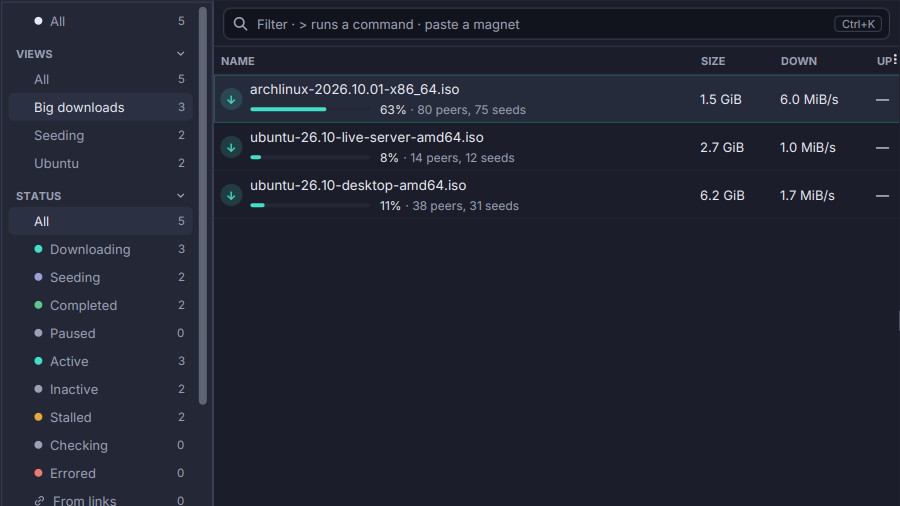
A filter you type every day deserves a name. Type it in the omnibox (state:seeding ratio<1 added<30d, say), press Ctrl+S (View → Save Filter as View…) and name it.
- A Views section at the top of the sidebar lists your views, each with a live count.
- Choosing a view filters the list as the query does, together with the box and the other sections.
Ctrl+Alt+1to9choose the first nine.- A view’s menu renames it, replaces its query with the current filter, or deletes it.
- Never silently empty. A view whose query no longer reads is struck through, the reason in its tooltip.
- Synced with the other settings, each view on its own, so one added on another computer merges with yours.
Four filter keys arrived with them: seeding>2d (time spent seeding), eta<30m, seeds<3 (connected seeds) and uploaded>10g. See The transfer list.