
Play while it downloads
Stream in Player opens a file in mpv or VLC as it downloads; the pieces the player is about to reach come first.
A film does not need to finish before it starts. The Files tab’s Stream in Player opens a file in a media player at once, and Torrenta fetches what the player needs next.
- mpv or VLC, wherever they are installed, or the player chosen in Settings → Adding torrents → Media player.
- Copy Stream URL gives the address for any other player on this computer.
- The right pieces first. The file’s first and last pieces at the start (where a video’s index sits), then the pieces just ahead of the playhead.
- A jump ahead waits for its piece rather than plays garbage.
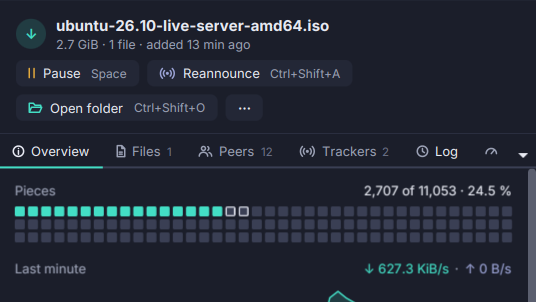
- The Overview’s pieces map rings the pieces being read ahead.
The address is on this computer only (loopback, a random port, a token per file), and no other file is served. A file you had skipped becomes wanted, at low priority, once you play it. Needs libtorrent. See The details pane.